


How to Change Your WhatsApp Ringtone
Table of Contents
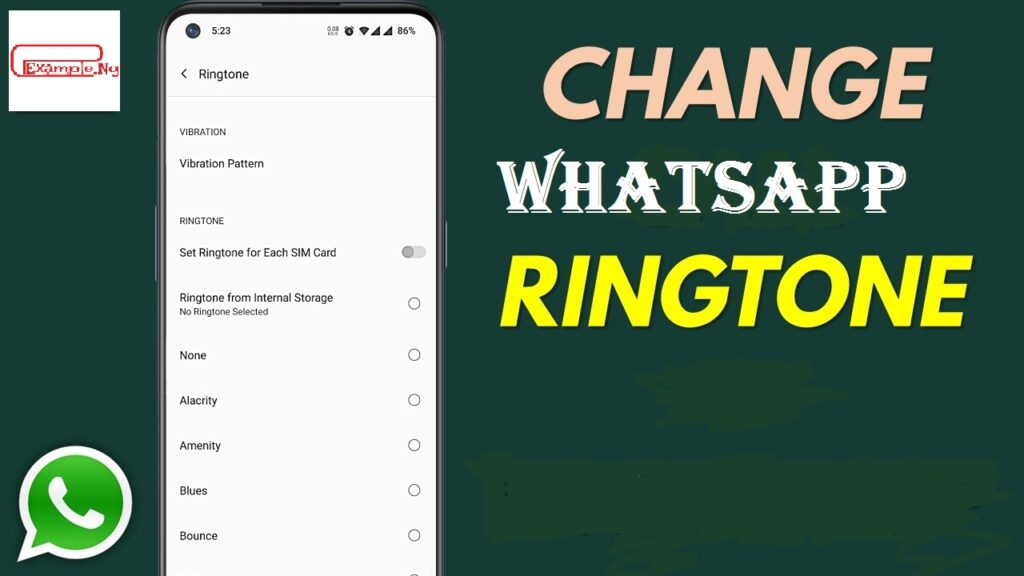
Changing your WhatsApp ringtone is one of the features that every WhatsApp user can enjoy and access. It enables you to select your preferred ringtone for voice calls, messages, notifications, and lots more on your WhatsApp account.
The WhatsApp ringtone you selected can be customized to a single or specific contact or group or all your contacts. This action can be performed on an Android device and also on an iOS device. The guide on how you can do it in any of these two devices is outlined in the article. Keep reading for more gist.
How to Change Your WhatsApp Ringtone on an Android
You can change your ringtone on WhatsApp for a specific chat or contact and all contacts and messages. Below are the steps to change it for a particular or all your contacts on WhatsApp.
Also, see 4 Steps on How to Create a WhatsApp Call Link
For all Messages and Calls
For Android users, here are the procedures for changing your WhatsApp ringtone:
- Open WhatsApp on your device
- Tap on the three dots located at the top right corner of the home page (
- Tap on Settings
- Then tap on Notification
- Go to Calls and tap on Ringtone
- Choose a ringtone
- Tap on Apply or Save to update it


Read also: WhatsApp Marketing Strategy: How to Use WhatsApp for Business Promotion.
For a Specific Chat or contact on WhatsApp
- Open WhatsApp on your Android and tap on the Specific chat to open
- Tap on the contact or group name at the top left corner
- Tap on Custom Notification and Check Use Custom Notifications
- Select the Notification you like for calls (Tap Ringtone-> Select Ringtone and tap on Save or Apply) and messages (tap Notification-> Select Tone and tap on Save or Apply)
Checkout: 4 Steps on How to Clear your WhatsApp Call Log on Phone
How to Change Your WhatsApp Ringtone on an iOS
For iOS users, you can change your WhatsApp ringtone by following the guidelines below:
- Open WhatsApp and tap on any contact to open the chat screen
- Tap on the contact’s name
- tap on Wallpaper & Ringtone
- Proceed to tap on Alert tone
- Select an Alert tone from the options and tap on Save
You may also like to read about:
- How to Send View Once Photos and Videos on WhatsApp [ Follow the 4 Steps]
- How to stop WhatsApp file auto download for Android users (images, audio and videos)
- How to Turn Disappearing Messages On or Off on WhatsApp
- How to Find WhatsApp Group Links Without an Invite
- How to Know if You Have Been Blocked on WhatsApp: Indicators to Watch out for.