


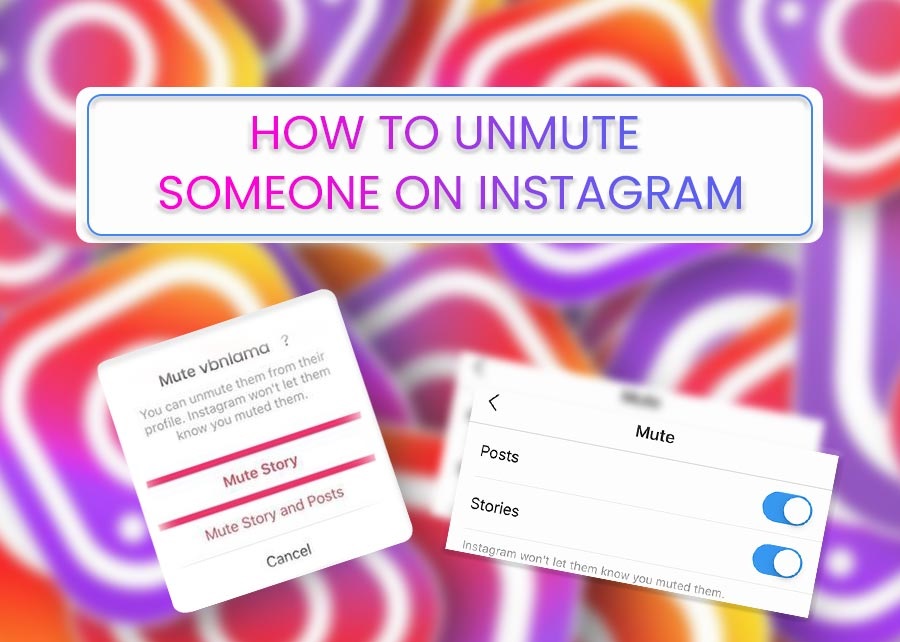
How to Unmute Someone on Instagram
Table of Contents
If you unmute someone on Instagram, you will see their posts, stories, and incoming messages on your feeds, which you were not able to see when you muted them.
Muting someone on Instagram does not mean that you have unfollowed them, but rather it is a means of reducing how you see their post on your feed, their stories on top of your feed and even the incoming messages they send to you.
If you have muted someone on Instagram, either someone on your contact list or the person you are following, you can Unmute them using an Android app, which is a guide on how to do it.
How to Unmute Someone on Instagram from Their Profile
To Unmute someone on Instagram from their profiles using an Android device, this is what you should do:
- Open the Instagram App on Your Android device
- Tap on the profile of the person you want to unmute
- Locate and click on the Following button at the top of their profile page
- You see an option on the screen with the “Mute” or “Unmute” option also in it; tap on Unmute
- You will start seeing the person’s posts, messages and stories on your feed
How to Unmute someone’s messages On Instagram Using an Android app
Below is a guide on how you can unmute someone’s messages on Instagram using an Android app:
- Tap
- Click on the chat with the person
- Tap on the person’s name
- Then click on
- Tap the


Also, see 3 Steps on How To Set Up Auto Reply on Instagram
How to Unmute Someone on Instagram Through Feed
To unmute someone on Instagram through the feed, here are what you should do:
- Open the Instagram app on your Android device
- Tap on the three dots (
- Tap on Hide
- Tap on Mute (Username)
- Finally, tap on Unmute posts and stories, and you will start seeing their posts and stories immediately after you unmute them.

Checkout: The Steps on How to View Saved Posts and Liked Posts on Your Instagram Account
Sometimes, You will not see the option to mute or unmute someone on Instagram; this may be because you’ve blocked the person or unfollowed them.
You may also like to read about:
- Instagram Threads: Learn About Mark Zuckerberg’s New App Features And How To Sign In
- Instagram Features: Top 8 Instagram Features For Marketers
- 5 Steps on How to clear Instagram cache on Android
- 27 Topnotch female Instagram influencers in the world: They are rated based on the number of followers they have.