


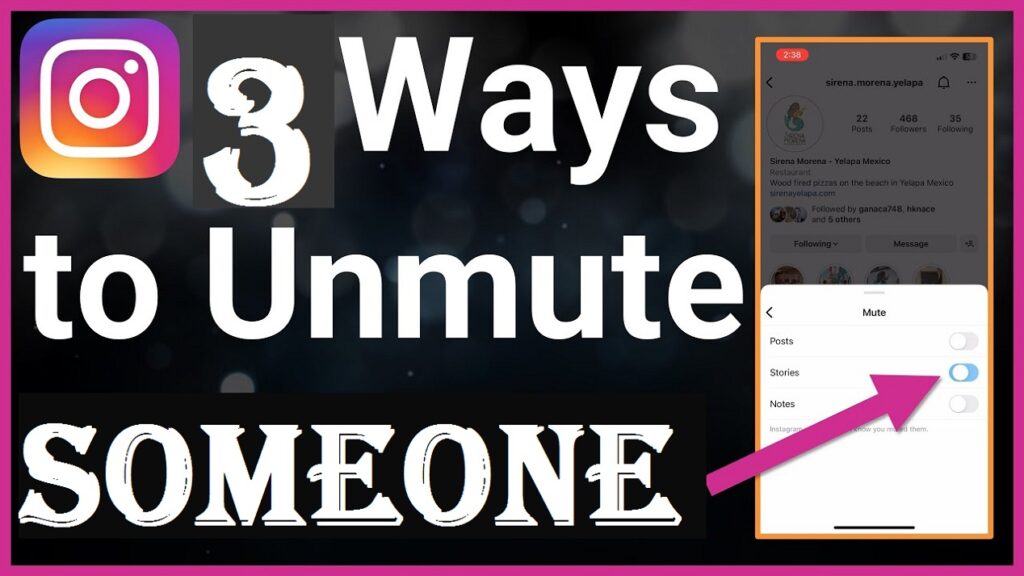
Easy Ways to Unmute someone on Instagram Using the iPhone app
Table of Contents
Have you ever muted someone on Instagram unintentionally and tried unmuting them but realized you do not know how?
Since you muted them on Instagram, you stopped seeing their posts, stories and messages. This can make you think you unfollowed them, but that is not true. Muting someone does not mean that you unfollowed them, but it means that you will not be able to see their posts, stories and messages.
Also, See The Steps on How to View Saved Posts and Liked Posts on Your Instagram Account
If you are searching for how to unmute someone on Instagram using the iPhone app, then keep reading. This article will discuss how to do so. You can unmute them in several ways, such as through their profile, feed or messages, and this article will tell you how you can do it through any of the three methods.
How to Unmute Someone on Instagram Through their Profile
When you unmute someone on Instagram, you will start seeing their posts, messages, and stories, and these are the things you were unable to see when you muted them. To unmute someone on Instagram using the iPhone app, follow the guidelines below:
- Open the Instagram app on your iPhone
- Tap on the username, and you can do this from their feed, stories of posts. This will take you to their profile page
- On their profile, tap on the Following button below their profile info
- Then, click on the Mute button
- Finally, tap on


Also Read: How to Unmute Someone on Instagram Using an Android App
How to Unmute someone on Instagram Through the Feeds
You can also unmute someone on Instagram through feed, and these are the guides to follow:
- Open the Instagram app on your iPhone
- Go to any of their posts and tap on the three-dot icon beside it.
- Click on Hide
- Tap on Mute
- Then Tap on Unmute Posts or Unmute Posts and Stories
Checkout: 5 Steps on How to clear the Instagram cache on Android
How to unmute Messages from Someone on Instagram
You can also unmute messages from someone on the Instagram app using your iPhone, and the guidelines you can follow are outlined below:
- Tap on
- Tap the chats with the person you want to unmute
- Tap on the person’s name
- Tap on
- Then, tap on


You may also like to read about:
- Instagram account post scheduling for Android users: Follow The 7 Steps to Schedule Your Instagram Posts
- 3 Steps on How To Set Up Auto Reply on Instagram
- 27 Topnotch female Instagram influencers worldwide: They are rated based on their number of followers.
- Instagram Threads: Learn About Mark Zuckerberg’s New App Features And How To Sign In
- Instagram Features: Top 8 Instagram Features For Marketers